Published 31st March 2026
Inbox Zero, Partly Thanks to AI - How I Built an Email Assistant That Doesn't Suck
How I built ai-email, a privacy-first AI Gmail assistant using Ollama, Node.js, and Nuxt 3 that summarizes threads, drafts replies, and flags urgent emails.
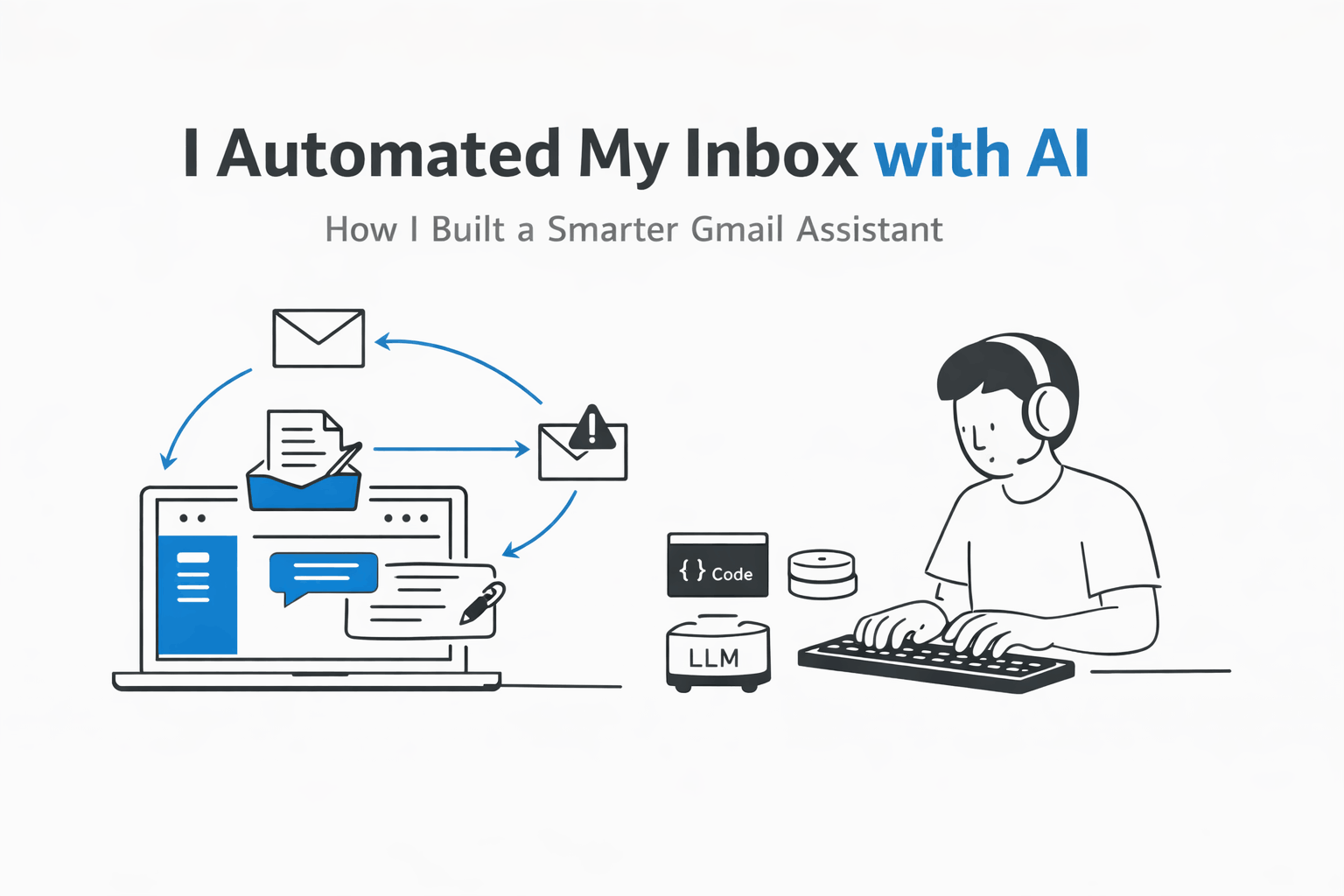
I'm the kind of person who leaves emails unread until it's embarrassing. I tried every productivity hack, but nothing stuck. So I did what any lazy developer does: I automated it.--- Unknown node: hardBreak ---ai-email is my take on an AI-powered Gmail assistant that actually respects you; no weird hallucinations, no sending emails you didn't mean to. It's a small tool, but it's changed how I work. Here's the story.
The Goal Was Simple (Ha)
I wanted to:
- Summarize long threads in one paragraph
- Draft replies based on a short prompt
- Flag urgent emails that need my attention now
- Do it all without me having to click through Gmail's clunky UI
No "AI taking over my inbox" nonsense; just a helpful assistant that stays in its lane.
Tech Stack — Keep It Boring and Reliable
- Backend: Node.js + TypeScript (I'm comfortable here)
- Auth: Gmail OAuth2 with secure token storage (no passwords stored, ever)
- AI: Ollama locally (Llama 3) for privacy, fallback to GPT if needed
- Frontend: Nuxt 3 - just a simple dashboard to see summaries and approve drafts
- Storage: SQLite for email metadata and logs (lightweight, no separate DB)
Why local LLM? I didn't want my email content going to some API's data pipeline. Ollama runs on my laptop, and it's fast enough for summaries.
The Hard Parts
Prompt design: Teaching the model to say "I don't know" instead of making up replies. I used a system prompt that explicitly forbids inventing details and returned a confidence score. If confidence < 70%, the email gets flagged for manual review.
Rate limits: Gmail's API is throttled. I implemented a simple queue with a token bucket algorithm so I never hit the limit.
Security: OAuth tokens are encrypted at rest. The webhook endpoints verify signatures. No email content ever touches disk unencrypted.
UI feedback: Letting the user know what's happening without being annoying. I added a status badge: "Analyzing…", "Draft ready", "Needs review".
The "Aha" Moments
- Streaming summaries: Instead of waiting for the whole email to process, I streamed the summary as it generated. Felt faster even if it wasn't.
- One-click approve: The dashboard shows a "Send" button only after I've reviewed the draft. No auto-sending.
- Keyboard shortcuts: I added
j/kto navigate emails,rto reply,sto summarize. Huge quality-of-life win. - Learning from corrections: When I edit a draft, that data gets fed back (anonymized) to fine-tune my prompts later.
What I'd Do Differently
- Start with a proper error boundary in the frontend (some API failures crashed the dashboard)
- Add end-to-end tests earlier (OAuth flows are brittle)
- Use a more structured prompt template library instead of ad-hoc strings
- Make the queue persistent (Redis or SQLite journaling) so restarts don't lose work
Is It Worth It?
For me, yes. I clear my inbox in 10 minutes now instead of an hour. The drafts are good about 80% of the time, I still tweak them, but the boilerplate is gone.
Would I recommend building your own? Only if you enjoy tinkering. There are good commercial tools out there (Hey, Superhuman). But if you want full control and don't mind maintaining it, it's a satisfying project.
Open Source vs. Personal Tool
I keep ai-email public because I believe in sharing patterns. The repo shows:
- How to safely store OAuth tokens
- How to call Ollama from Node with streaming
- How to build a minimal Nuxt dashboard that respects auth
- How to handle background jobs without a heavy queue system
If you're interested, the code is there. It's not "production-ready" by enterprise standards, but it's honest and works for me.
Wrap-Up; Tools Should Get Out of the Way
The best automation is the kind you forget is there. ai-email doesn't dazzle anyone with AI hype; it just quietly saves me time. That's the goal.
Try it if you want, or just take the ideas and build your own. Either way, hope it helps you spend less time in your inbox and more time doing actual work.
Code Highlights
OAuth2 token storage (encrypted):
import { encrypt, decrypt } from './crypto'

async function saveTokens(userId: string, tokens: OAuth2Tokens) {
  const encrypted = await encrypt(JSON.stringify(tokens))
  await db.tokens.put({ userId, data: encrypted })
}
Streaming Ollama call:
const response = await fetch('http://localhost:11434/api/generate', {
  method: 'POST',
  body: JSON.stringify({
    model: 'llama3',
    prompt: summaryPrompt,
    stream: true
  })
})

const reader = response.body?.getReader()
while (true) {
  const { done, value } = await reader!.read()
  if (done) break
  const chunk = decodeText(value)
  // push to UI incrementally
}
Token bucket queue for Gmail API:
class RateLimiter {
  private tokens: number
  private refillRate: number // tokens per second
  private lastRefill: number

  consume(amount = 1): Promise<void> {
    return new Promise(resolve => {
      const refill = () => {
        const now = Date.now()
        const elapsed = (now - this.lastRefill) / 1000
        this.tokens = Math.min(this.capacity, this.tokens + elapsed * this.refillRate)
        this.lastRefill = now
      }

      const tryConsume = () => {
        refill()
        if (this.tokens >= amount) {
          this.tokens -= amount
          resolve()
        } else {
          setTimeout(tryConsume, 100)
        }
      }
      tryConsume()
    })
  }
}
Nuxt dashboard approve flow (simplified):
<template>
  <div v-if="draft">
    <p>{{ draft.content }}</p>
    <button @click="approveAndSend(draft.id)" :disabled="sending">
      Send
    </button>
    <button @click="edit(draft.id)">Edit</button>
  </div>
</template>
Thank you Akshara Hegde
To read the full article, click the link below.
https://aksharahegde.xyz/blog/inbox-zero-ai-email-assistant